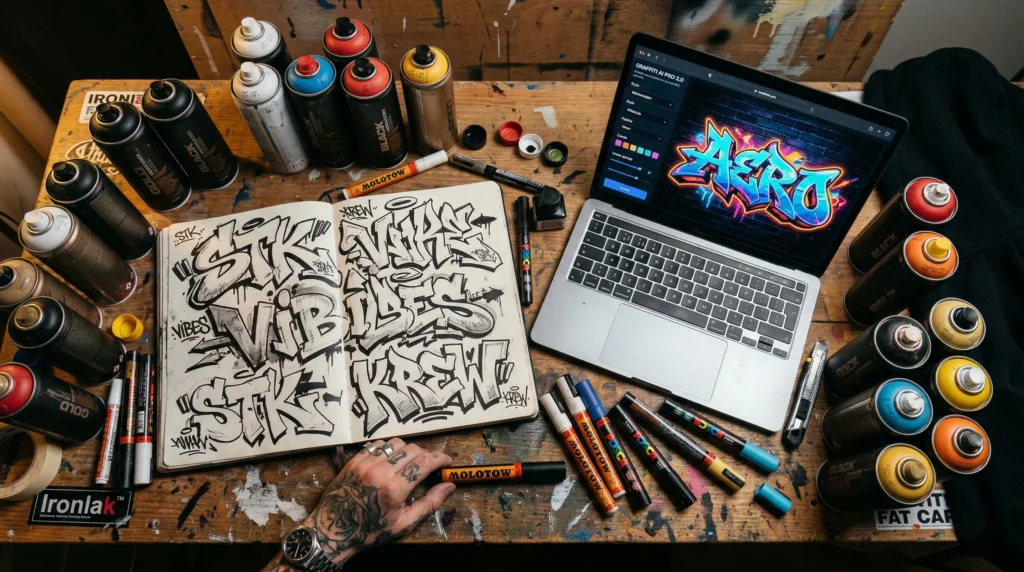
An AI graffiti generator is a tool that creates graffiti-style artwork from a text description. You type a prompt describing what you want, the style, the colors, the surface, and the tool produces a completely new image that looks like it was painted on a real wall. No fonts, no templates. Original compositions every time.
I spent three weeks testing every AI graffiti generator I could find. I ran the same prompts through all of them, compared results side by side, and judged them the way a graffiti writer would: letter accuracy, style authenticity, surface realism, and whether the output actually looks like something that belongs on a wall.
The short answer: most AI graffiti generator tools produce generic AI art with a graffiti filter slapped on top. A few get genuinely close to real. One tool, GraffSpace, is built specifically for graffiti culture and it shows. This article gives you the full breakdown of every AI graffiti generator worth knowing about.
What an AI graffiti generator actually does
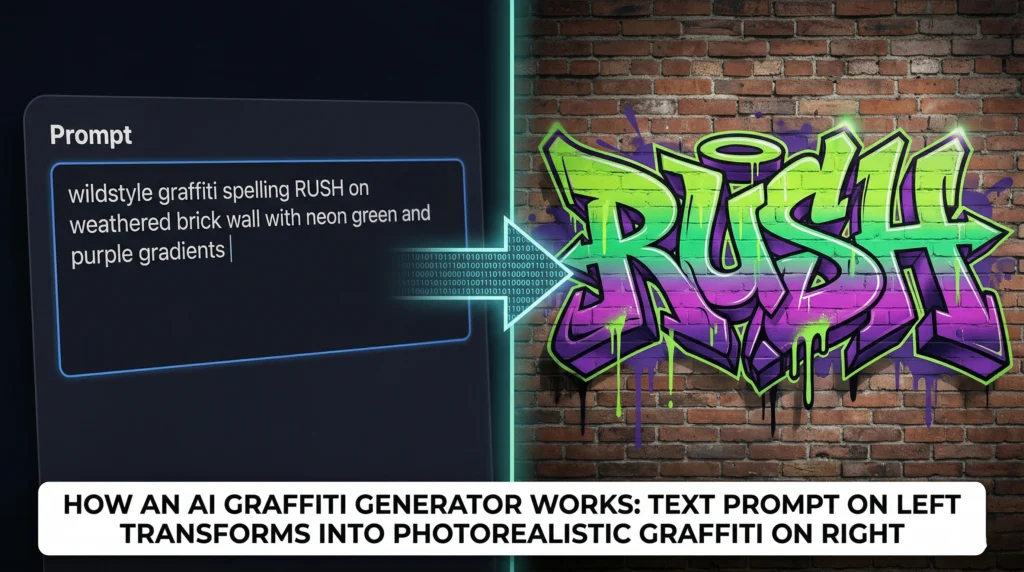
Think of it like describing a piece to another writer. You say: I want my name in wildstyle, purple and green gradients, on brick, with drips and a character on the side. They take that brief and paint their interpretation. An AI graffiti generator works the same way, except the « writer » is a neural network trained on thousands of graffiti photographs.
You type your description into the prompt box. The AI graffiti generator breaks it into visual concepts: style, color, surface, mood. Then it builds an image from noise, refining step by step until it matches your description. The whole process takes a few seconds.
The quality of what comes out depends almost entirely on the quality of your prompt. Typing « cool graffiti » gets you something generic. Typing « wildstyle letters spelling BOWOW on a weathered concrete wall, electric blue and orange gradients, sharp arrows, white paint drips, overcast lighting » gets you something that could pass for a real wall.
This is where knowing graffiti gives you an advantage with any AI graffiti generator. If you understand the difference between wildstyle and bubble letters, if you know what a throw-up looks like versus a production, your prompts will be better and your results will be better.
Why I tested every AI graffiti generator I could find
I run GraffitiCanvas. I write about graffiti culture, I review tools, and readers ask me every week: which AI graffiti generator is worth using? The honest answer used to be « none of them. » The early tools produced output that looked like a Photoshop filter, not paint on a wall.
But the technology moved fast. The models got better at understanding graffiti vocabulary. Some platforms started training on actual graffiti photography. And one AI graffiti generator, GraffSpace, was built from the ground up by people who come from the culture. That changed things, and it’s a brand new product.
So I set up a proper test. Same prompts, same words, same style requests across every tool. I compared letter accuracy, color handling, surface realism, and whether the output felt like graffiti or just like AI art with spray paint textures.
The 7 AI graffiti generator tools I tested (and how each performed)
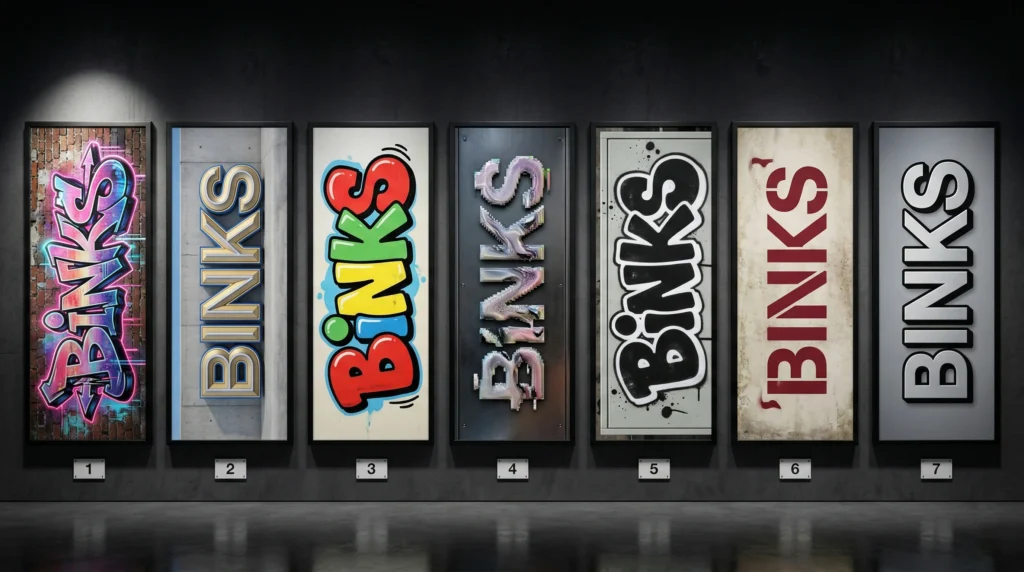
GraffSpace — the best AI graffiti generator for graffiti culture
GraffSpace is the only AI graffiti generator I tested that was built specifically for graffiti. The difference is obvious within five minutes. The style presets are actual graffiti styles: wildstyle, bubble, blockbuster, stencil, calligraffiti. Not generic categories like « urban » or « street. » The color palettes are based on real spray can colors, over 320 gradients. The prompt system understands graffiti vocabulary. Tell it « chrome fades on brick » and it knows what you mean.
Output quality was the best of any AI graffiti generator in my test. Letters held their structure better than any other tool. Surface textures looked like actual concrete and brick. Paint drips behaved like paint drips. The free Writer tier gives you the core studio. King at $12.99/month unlocks higher resolution and multiple styles. All-City at $49/month is for volume users.
If you are a graffiti writer looking for a tool that speaks your language, this is the one. I am recommending it because it produced the best results, not because of any partnership.
NightCafe
NightCafe is a general AI art platform with multiple models. You can get decent graffiti results if your prompts are detailed. The community gallery is useful. But it is not graffiti-specific. Letters sometimes merge or become unreadable in wildstyle prompts. Credit-based pricing with some free daily credits.
Fotor
Fotor surprised me with decent bubble letter and straight letter output. The presets work for quick social media content. It fell short on complex pieces. Free tier includes watermarks. A reasonable option if you need fast, simple results.
Adobe Firefly
Adobe Firefly is technically impressive but too polished for graffiti. Everything comes out looking clean and corporate. Good if you want graffiti-inspired graphic design. Not good if you want something that looks like it belongs on an actual wall.
OpenArt
OpenArt gives you multiple AI models and strong prompt flexibility. Good for writers who want maximum control. I got strong results with Flux and SDXL models, but it took a lot of prompt iteration. Free tier with trial credits. Steeper learning curve.
Dzine
Dzine has solid prompt adherence and is particularly good at 3D graffiti effects. Simple workflow. I was impressed with the chrome and metallic output. It fell short on traditional throw-up and tag styles. Worth trying if 3D is your focus.
SeaArt
SeaArt has a massive model library and community-shared prompts. You can find graffiti-specific LoRA models that produce decent results. But it is a generalist platform and output quality is inconsistent. Takes patience.
What I learned testing every AI graffiti generator
Three things stood out after running dozens of prompts through seven tools.
First, specificity wins. Every AI graffiti generator produced dramatically better output when I used graffiti-specific language. « Wildstyle on brick » beats « graffiti on a wall » every time. If you know the culture, your results will be better.
Second, surface context matters. Specifying « weathered concrete » versus « clean white wall » versus « rusted metal shutter » changed the entire mood. GraffSpace handled surface rendering the best of any tool I tested.
Third, no tool gets letter connections right consistently. Wildstyle with interlocking arrows is still the hardest thing for any of these tools to produce. GraffSpace gets closest, but even there, about one in five wildstyle generations has letters that merge. Use the output as a starting point, not a finished piece.
How to write AI graffiti generator prompts that produce fire results
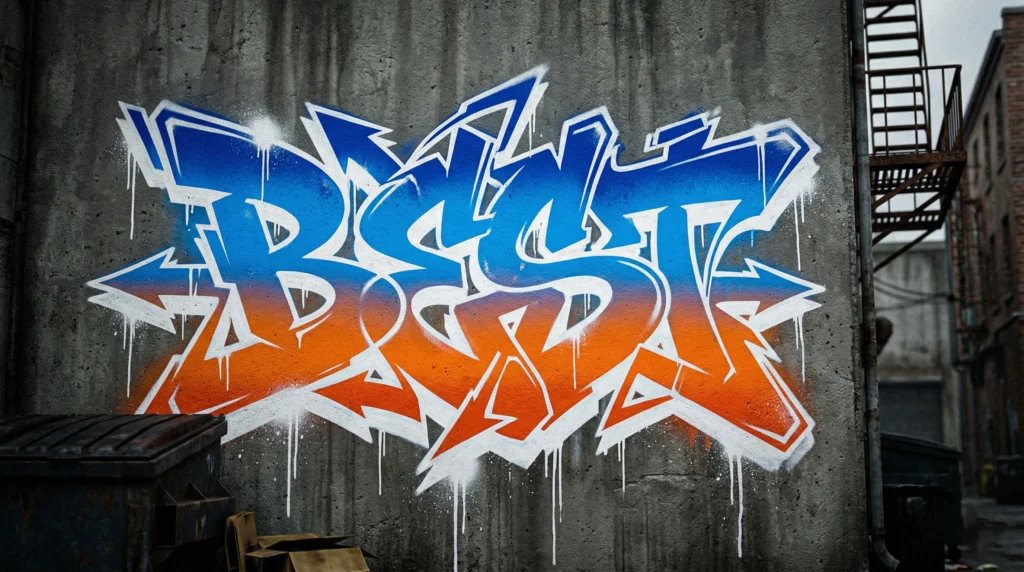
This is where knowing graffiti gives you an unfair advantage with any AI graffiti generator. Every strong prompt has five elements.
The word or name. Be explicit. « Graffiti letters spelling SHADOW » is ten times better than « some graffiti.«
The style. Wildstyle, bubble letters, throw-up, blockbuster, stencil, old school, calligraffiti. If you have read our breakdown of graffiti styles, you know these terms. The AI graffiti generator knows them too.
The surface. Brick wall, concrete barrier, subway car, metal shutter, freight train. Tell the tool exactly what surface your piece sits on. Context changes everything.
The colors. Be specific. « Neon green and deep purple gradients with white highlights » beats « colorful » every time.
The atmosphere. Drips, cracks, fades, time of day, weather. These details make or break realism in any output.
How real graffiti writers use an AI graffiti generator
Brainstorming before the blackbook
Use an AI graffiti generator to produce twenty variations of your name in different styles. Screenshot the color combinations that catch your eye. Then open your sketchbook and redraw by hand. The tool gave you the spark. Your hand turns it into the piece. This pairs well with our graffiti characters guide.
Client mockups
Clients want to see what it will look like before you start. They want options and revisions. Fast. An AI graffiti generator lets you produce realistic mockups showing your piece on the actual surface without spending hours in Photoshop.
Exploring styles you have never tried
Maybe you have been painting wildstyle for fifteen years and never touched bubble letters. Maybe you want to try calligraffiti. An AI graffiti generator gives you a sandbox to experiment without wasted paint.
Content creation
Instagram posts, merch mockups, album covers, YouTube thumbnails, event flyers. AI graffiti generator output gives you a fast pipeline for visual content that supports your brand.
What no AI graffiti generator gets right yet
Being honest about limits is what separates a real review from marketing copy.
- Letter connections in wildstyle are often wrong. No AI graffiti generator understands flow the way a practiced hand does. Serifs and arrows sometimes connect to the wrong part.
- Handstyles and tags are too generic. No AI graffiti generator can replicate the muscle memory behind your personal tag.
- Spray paint texture at close range still looks artificial. At thumbnail size, it passes. At print size, it does not.
- Can control effects like fades and flares do not behave realistically. The AI has never held a can.
These limits are exactly why the tool is most useful in the hands of someone who knows graffiti. Check our graffiti styles breakdown for more on letter anatomy.
Can an AI graffiti generator replace a real graffiti writer?
No. A graffiti writer brings decades of muscle memory to every stroke. They read the wall and adjust in real time. They understand the culture. None of that can be coded into a model.
The writers using these tools smartly treat them like producers treat drum machines. Another instrument. You still need the eye to know what looks real. An AI graffiti generator just helps you get there faster.
My honest AI graffiti generator recommendation
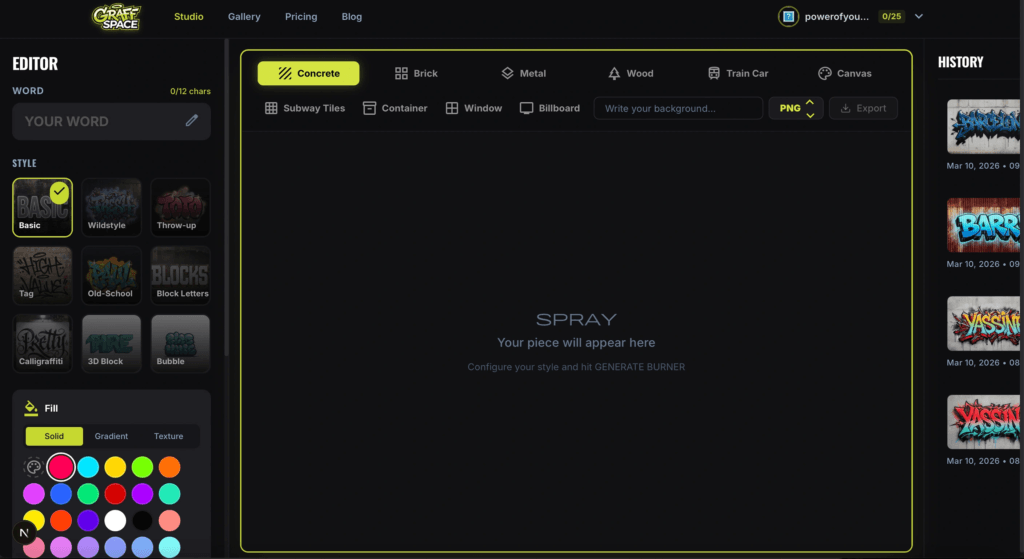
If you want the best AI graffiti generator available right now, use GraffSpace (graffspace.com). It is the only tool built by people who understand graffiti culture. The prompts work better because the model knows what wildstyle, throw-ups, and bubble letters actually look like.
The free Writer tier is enough to test it. King at $12.99/month is where it gets serious with higher resolution. All-City at $49/month is for agencies.
If you are not ready for an AI graffiti generator, start with a sketchbook, a good set of markers, and fill pages with your tag every day.
FAQ about AI graffiti generators
What is the best AI graffiti generator in 2026?
Based on my testing, GraffSpace is the best AI graffiti generator for graffiti-specific output. It understands graffiti terminology, has realistic surface rendering, and offers presets built around actual graffiti styles.
Are AI graffiti generator tools free?
Most offer a free tier. GraffSpace has a free Writer tier. NightCafe and OpenArt provide free daily credits. For serious use, expect $10-50/month depending on the AI graffiti generator and your volume.
Can I use AI graffiti generator output commercially?
Depends on the platform. GraffSpace allows commercial use on the King and All-City tiers. Always check the specific tool’s licensing before selling prints or merch.
Do I need graffiti knowledge to use an AI graffiti generator?
No drawing skill is required. But knowing graffiti terminology dramatically improves results. Understanding the difference between wildstyle and bubble letters gives you better prompts and better output.
Can an AI graffiti generator replicate my personal tag?
No. Your tag is years of muscle memory. That is exactly why it is yours.
Is AI graffiti generator output real graffiti?
No. It is graffiti-style digital art. Real graffiti involves physical skill, cultural context, and presence on a wall. We wrote more about this distinction in our piece on graffiti vs street art.
Conclusion
These tools have gotten good enough to be genuinely useful. But no AI graffiti generator has gotten good enough to replace anyone who picks up a can. Use them to brainstorm, to mockup, to explore. Then go paint.
GraffSpace is the one I recommend. Start free, see if it fits your process.